


See any print on your wall before you buy it
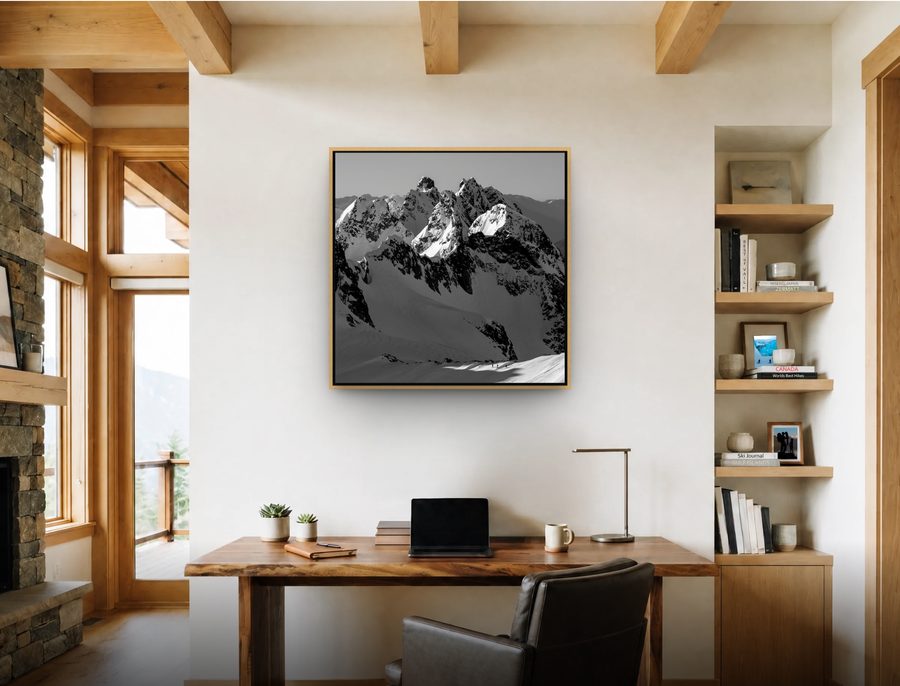
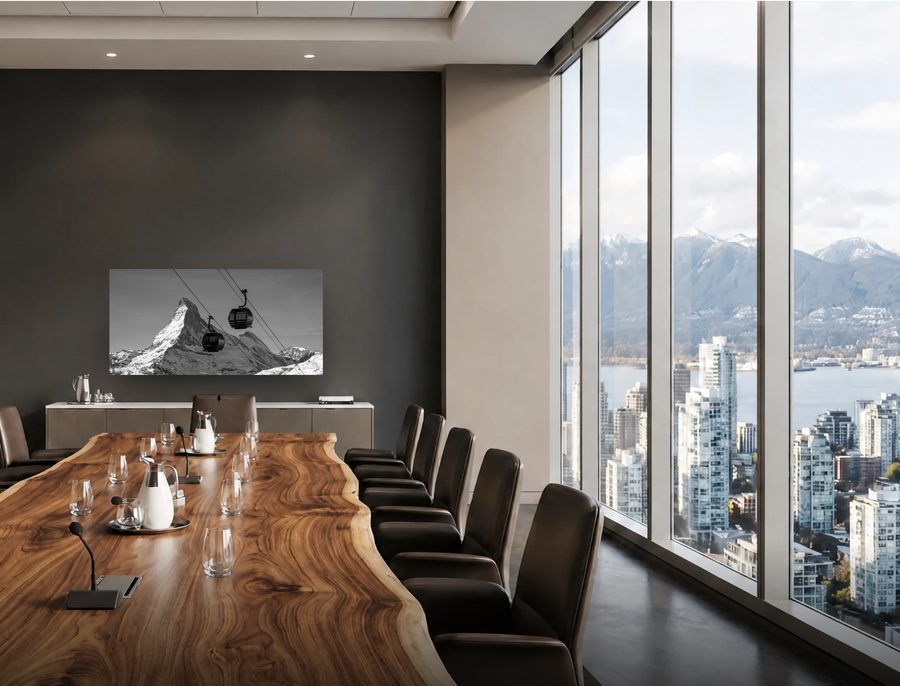
Choose a room or upload your own wall, pick a print, size and finish, and see it at its true size.
One print. Every room.
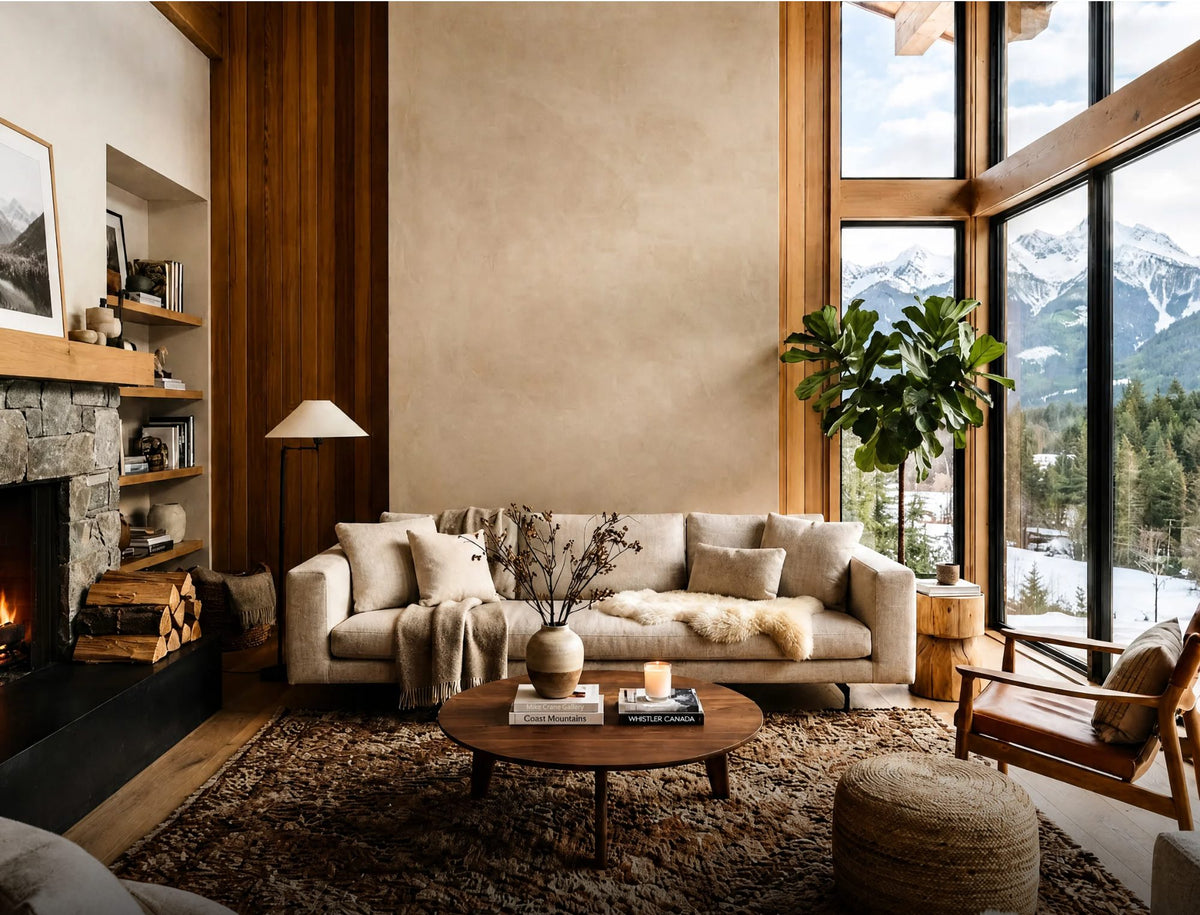
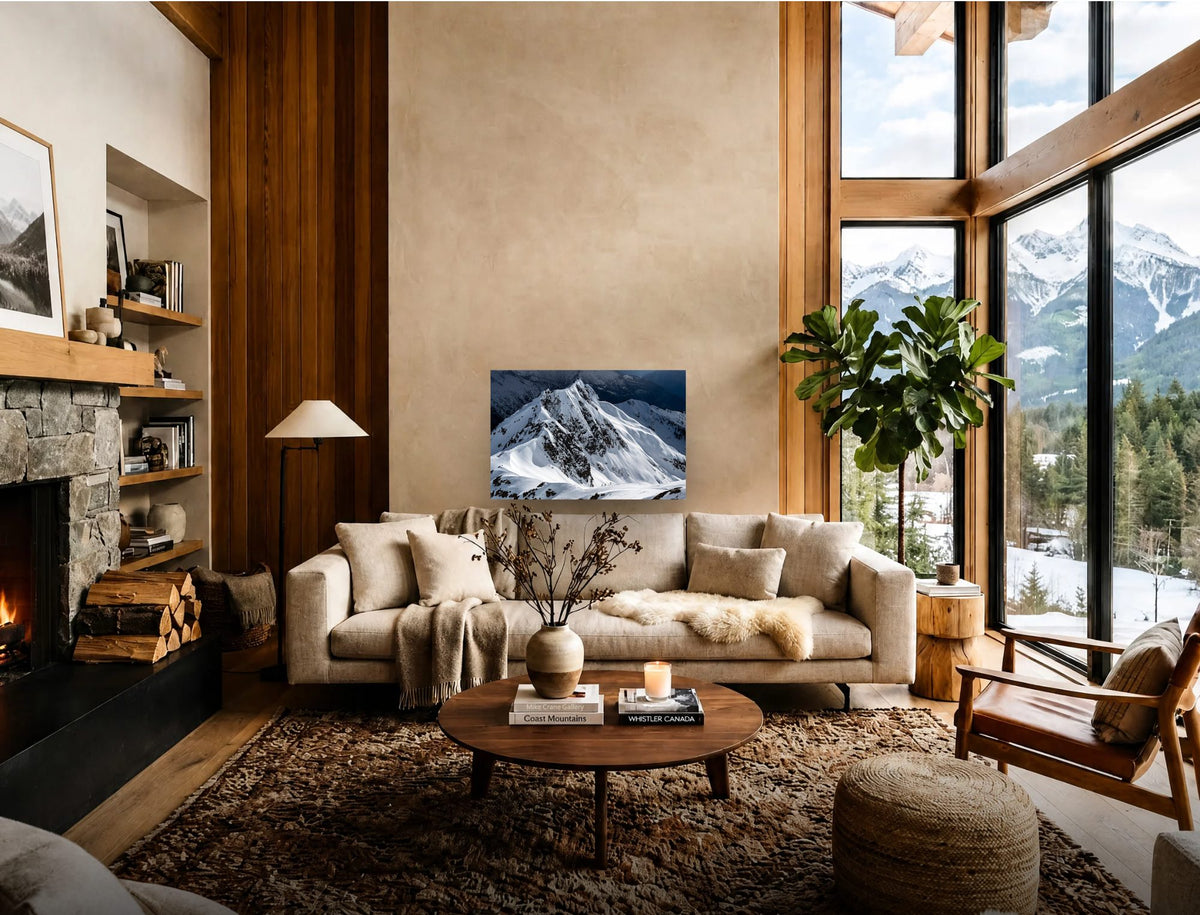
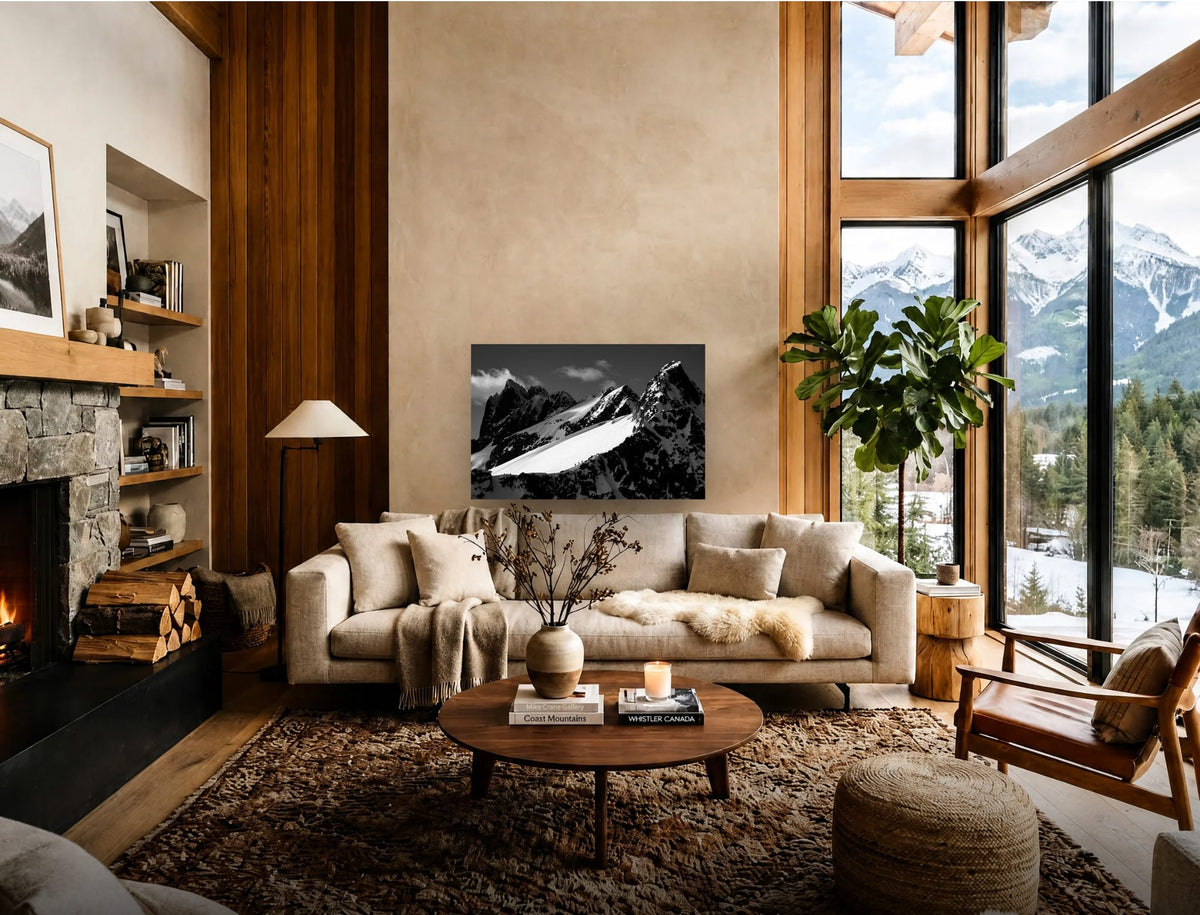
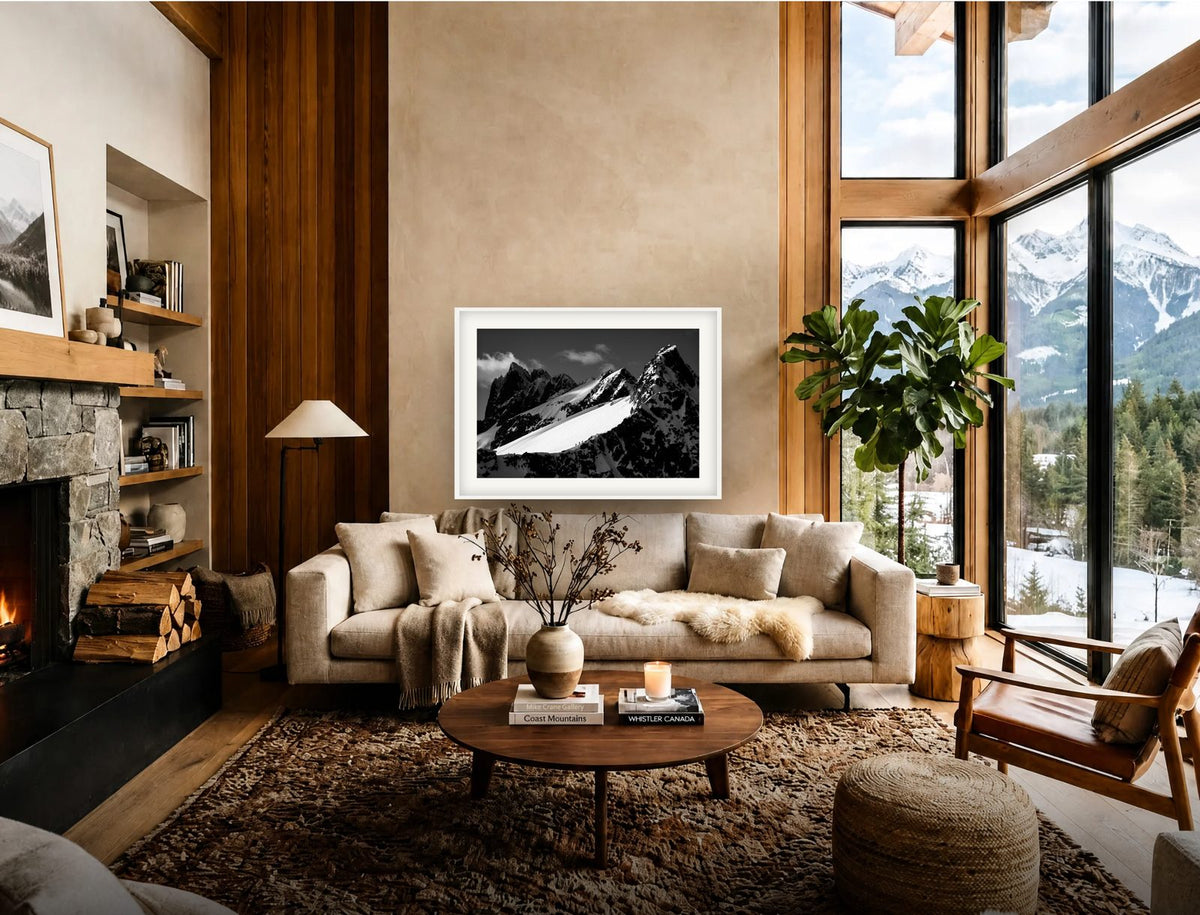
Choose a room and a finish, then drag across the wall to see it before and after.
Living Room/Natural wood
Open this in the viewer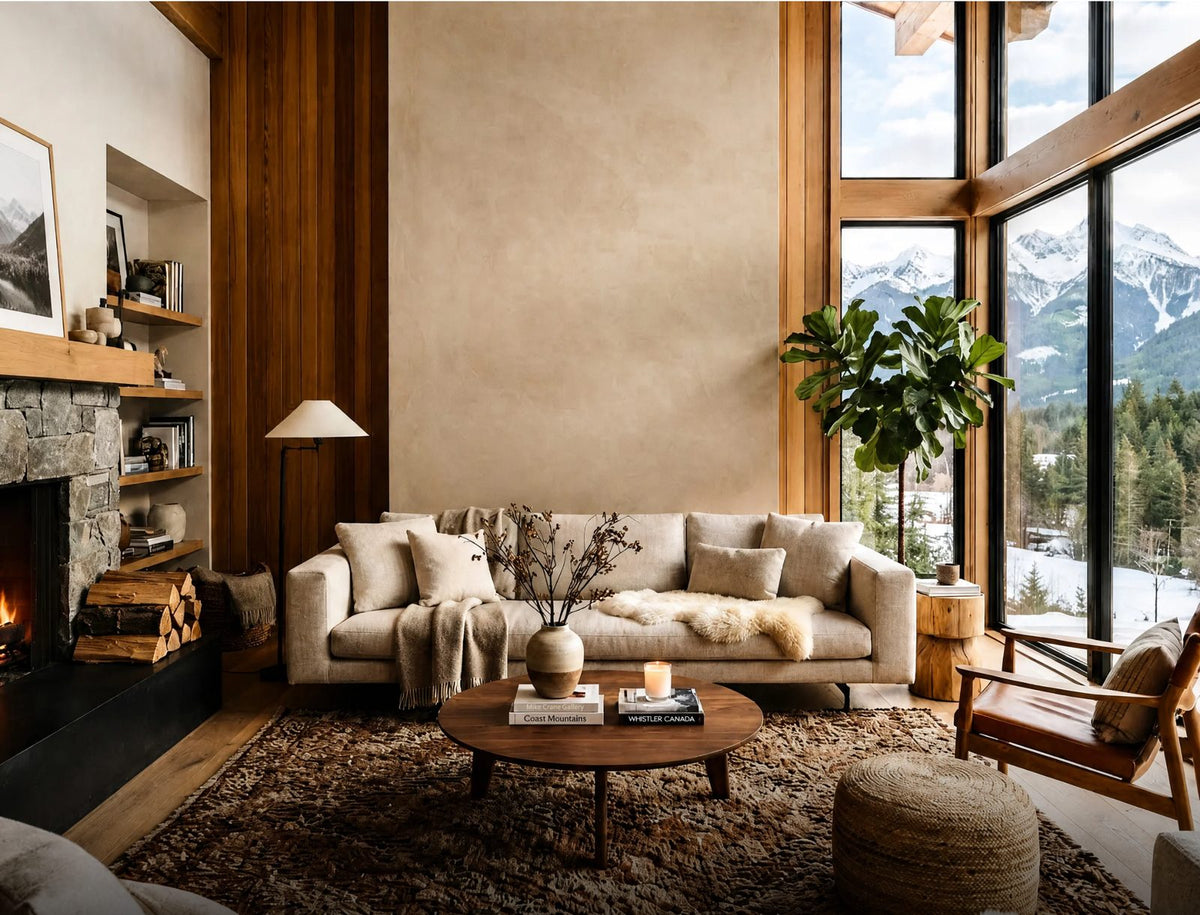
 Empty wallWith the print
Choose a finish
Tantalus 2, 40 × 60″. In the viewer: every print, every size, nine rooms and your own wall.

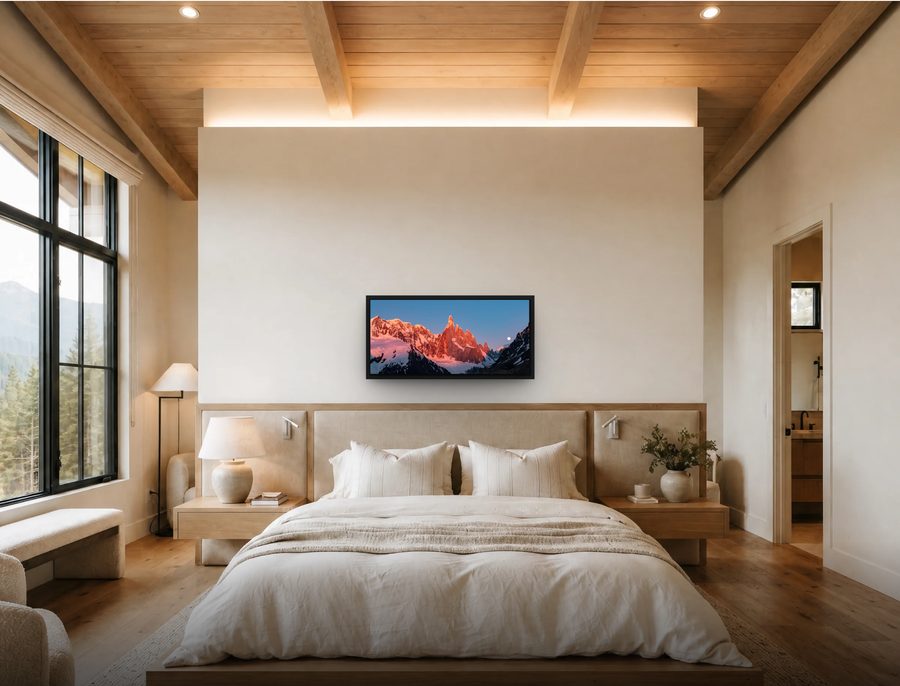
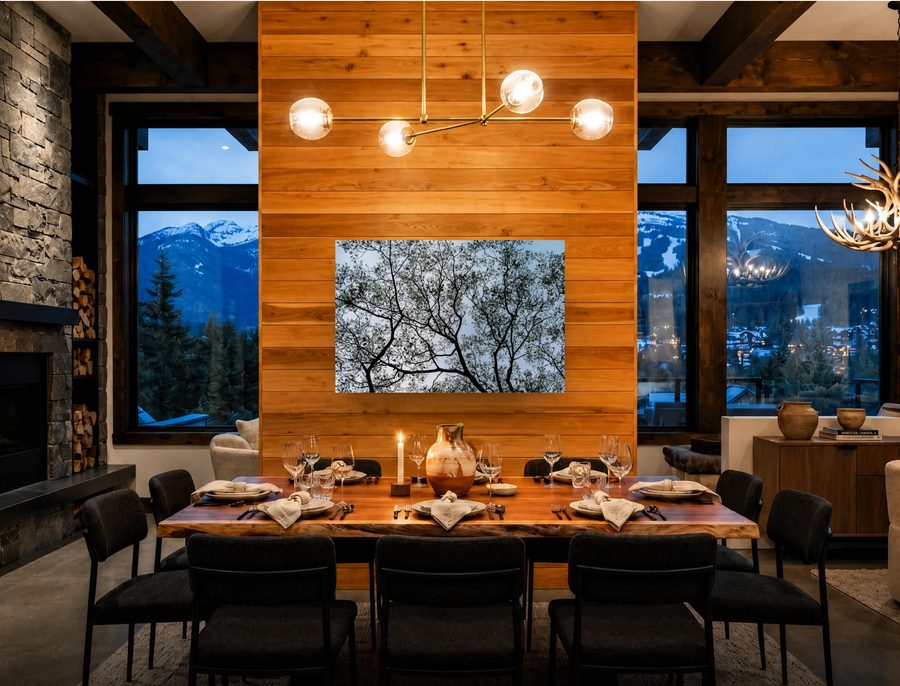
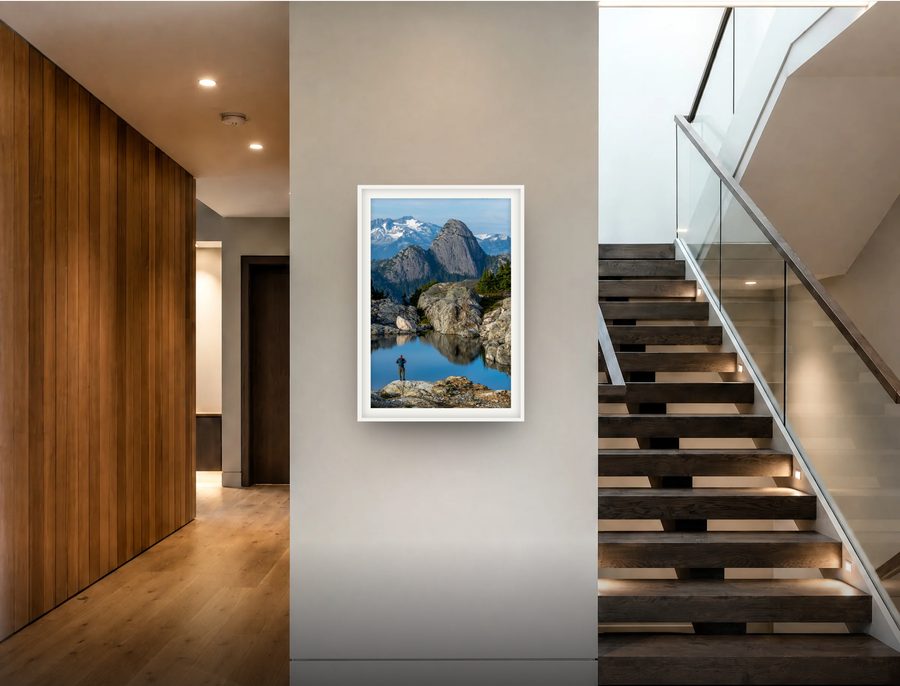
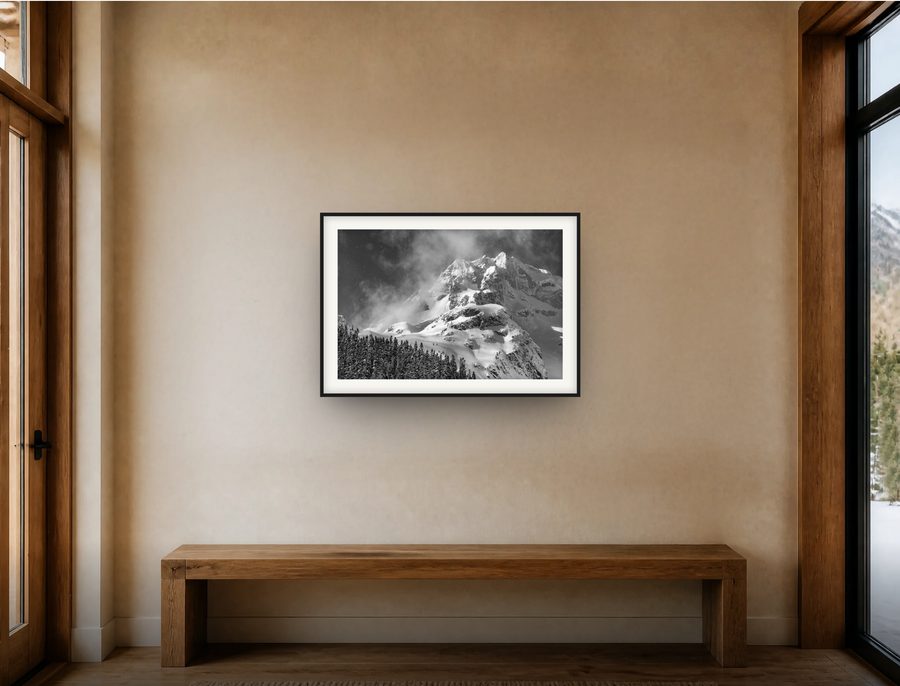



Your wall, down to the inch.
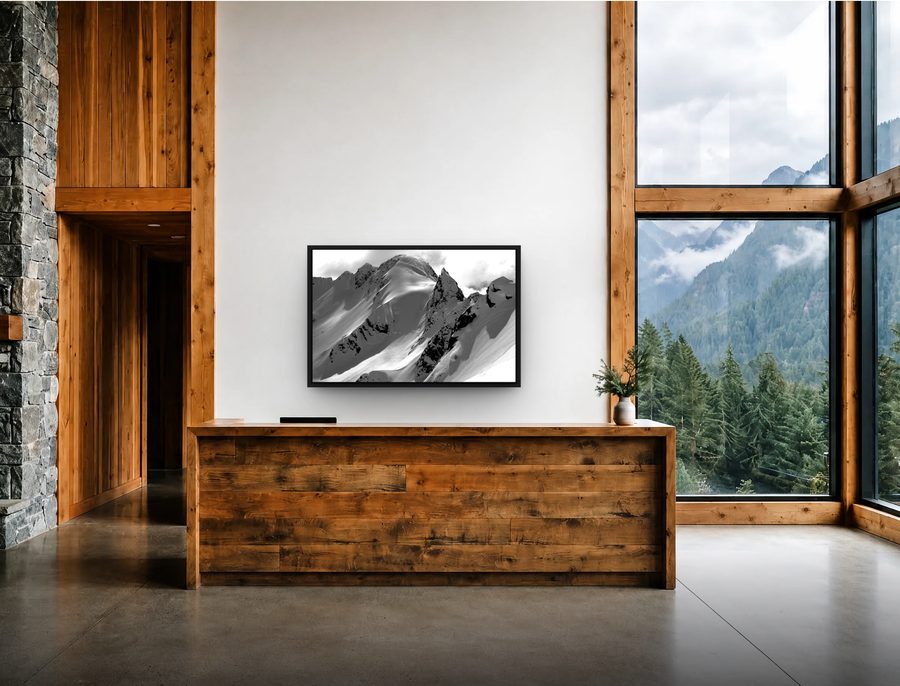
The room, the light and the wall stay as they are. Only the print changes, at its real size.
Open the viewer-
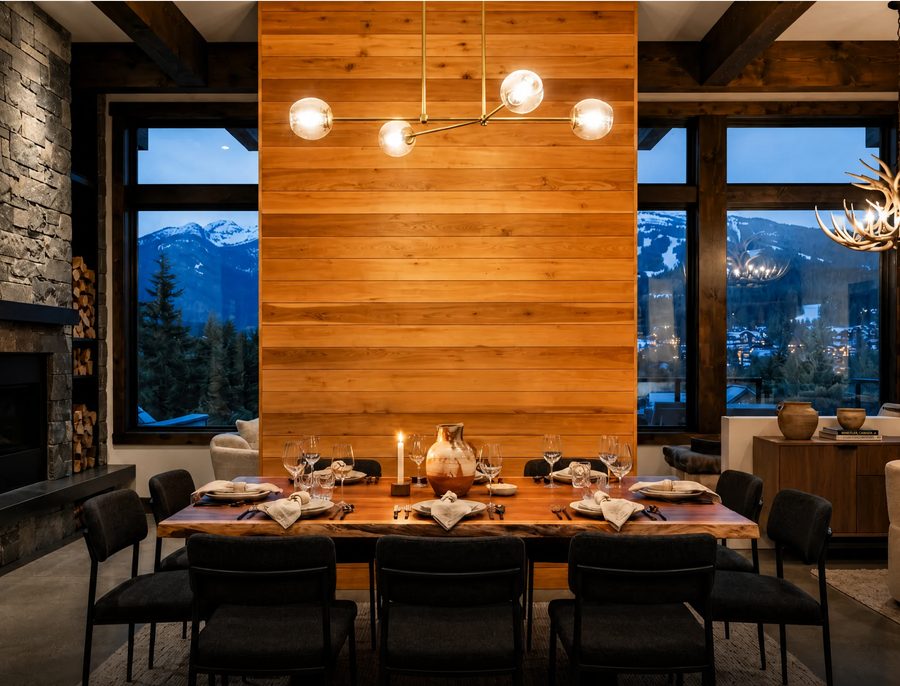
 Empty wallWith the print
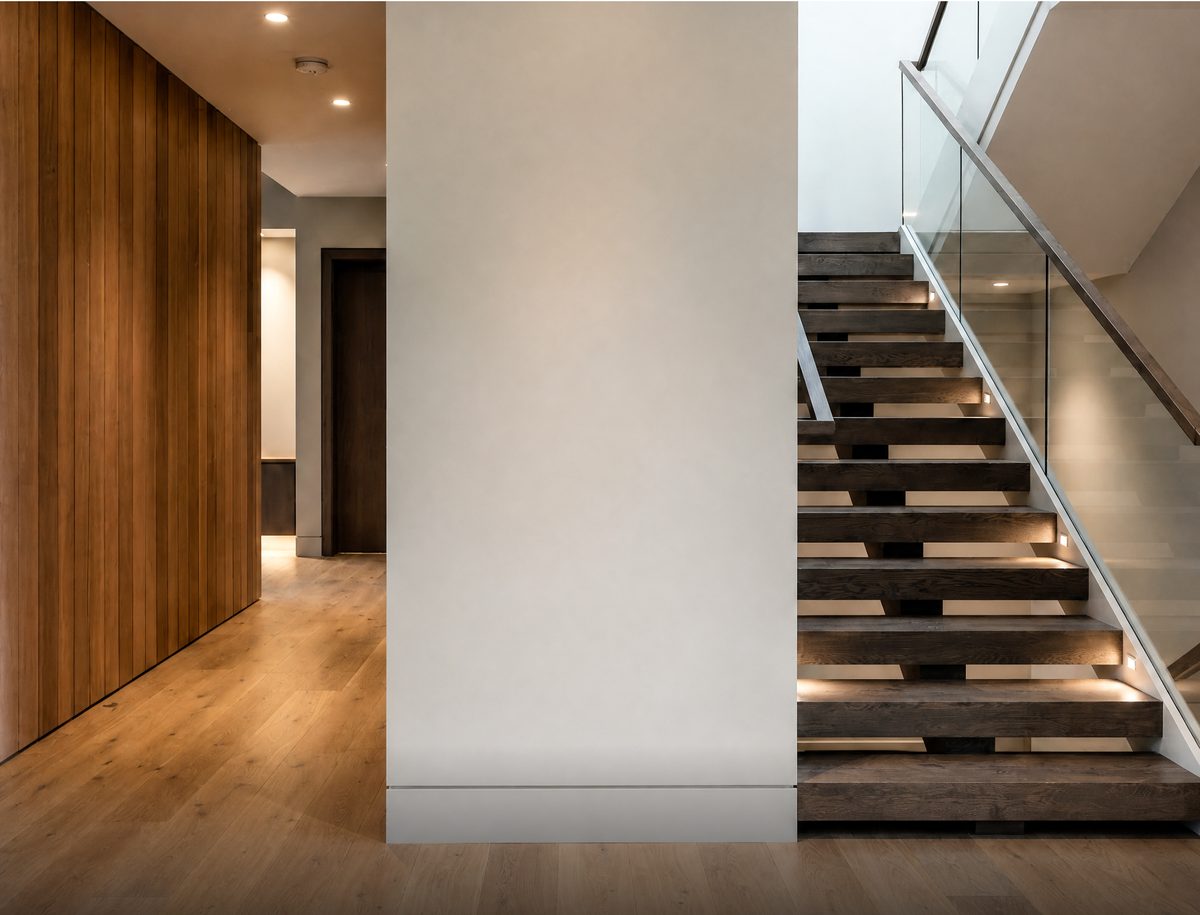
Living room to hotel lobby. Each room is measured at the wall, so every print hangs at its real size.
-
 Your photoWith the print
Upload a photo of your wall and type its width. The print is drawn to that scale, on your screen only.
-
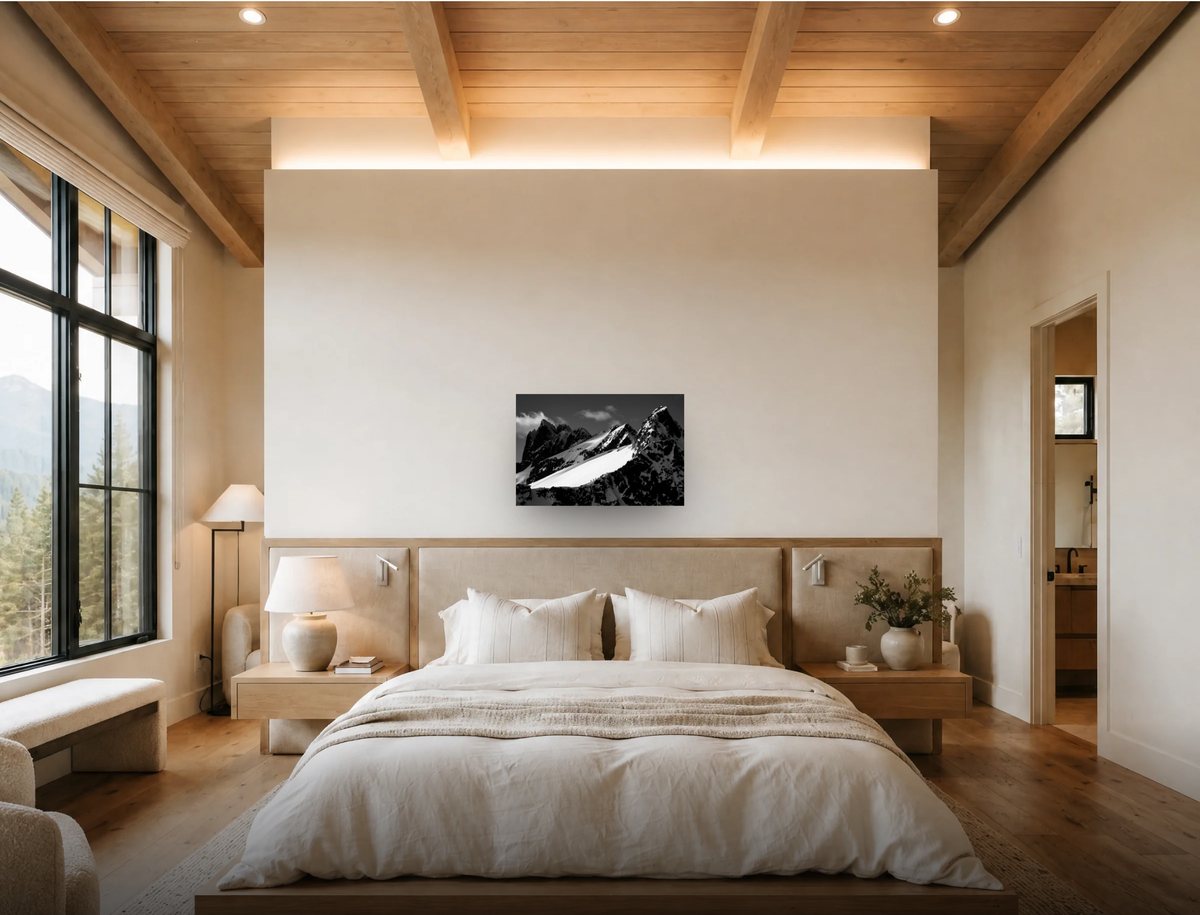
 24 × 36″58 × 87″
Step through the sizes and watch the print grow on the same wall, frame and mat included.


From first look to final choice.
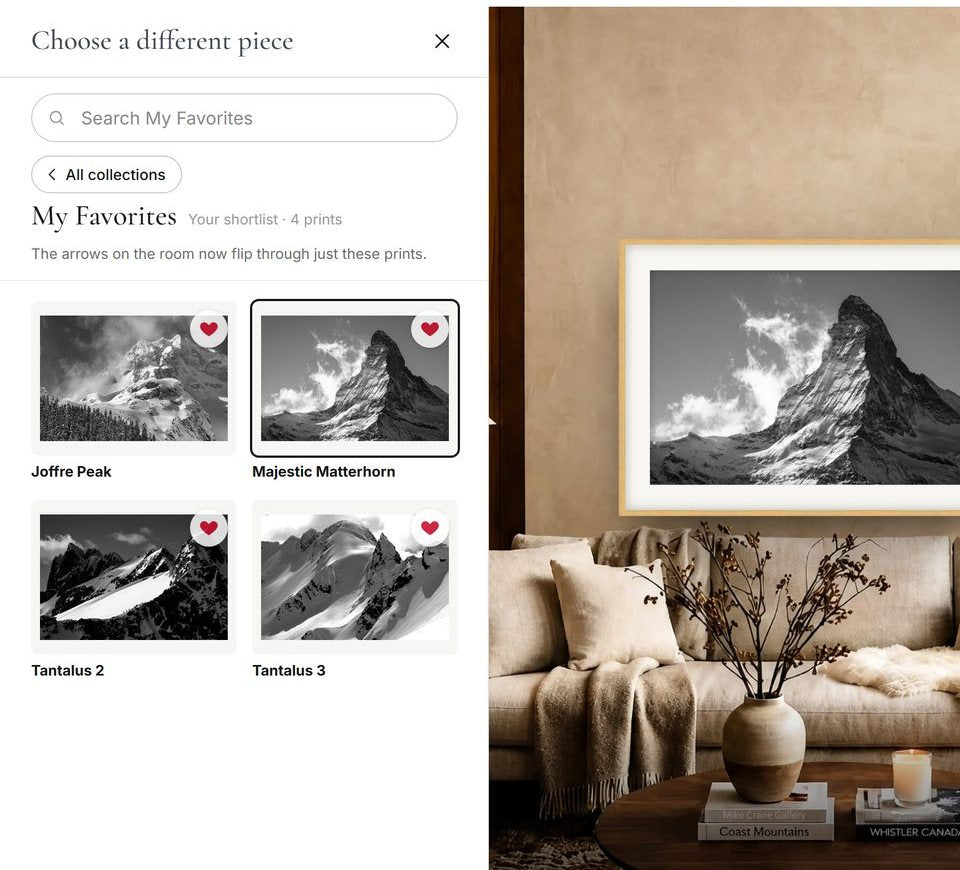
Your shortlist, flipped through on the wall
Shortlist
Keep your favourites together.
Tap the heart on any print, then flip through your shortlist on the same wall, one after another.
Start a shortlist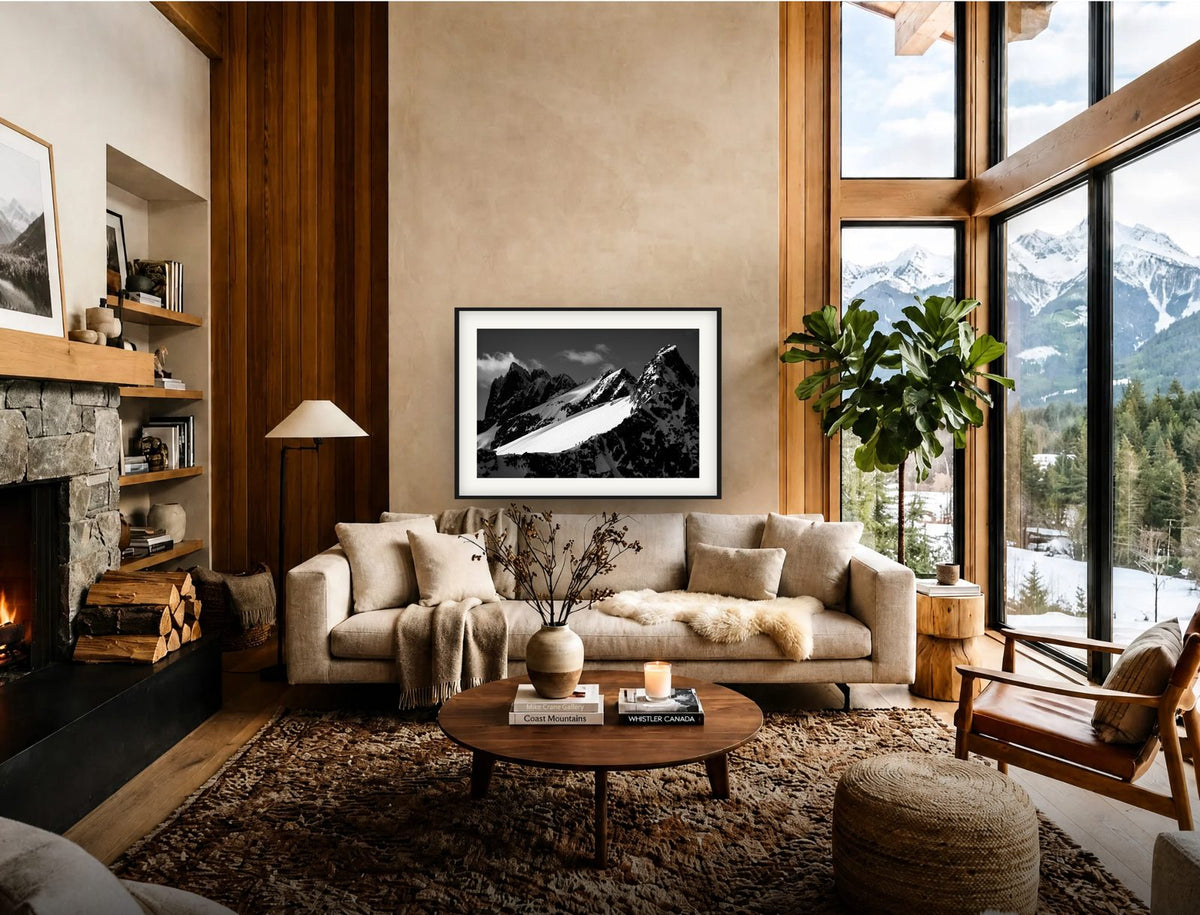

Frame colour previews
Frames
Find the frame that fits the room.
Compare ChromaLuxe, framed and floating finishes in every colour. Then save the picture or share a link with whoever needs to agree.
Try the framesYour wall stays yours
The viewer runs in your browser. A photo of your wall is drawn on your own screen and never sent to the store. There is nothing to sign up for, and nothing leaves unless you share it.
-
Your photo stays on your device
A photo of your wall is drawn in your own browser. It is never sent to the store or kept anywhere.
-
No account needed
Open the viewer and start. No sign-up, no email, no password.
-
Favourites stay with you
Your shortlist is kept in this browser only.
-
You choose what to share
A picture or a link leaves your screen only when you press Save or Share.
-
Nothing to install
It runs in any modern browser, on a phone, tablet or computer.
Questions
How accurate is the size?
Each room is measured at the wall and the print is drawn at its real size, including the frame and mat. Treat it as a close guide: screens and camera lenses vary a little.
How do I photograph my wall?
Stand back and shoot the wall straight on, at about chest height, with the wall filling the photo edge to edge. Then type the wall's width in inches into the viewer. For a large piece, tape its outline on the wall as well.
Is my wall photo uploaded anywhere?
No. Your photo stays in your browser, on your device. Nothing is sent to the store.
Can I send it to someone?
Yes. Share sends a link that opens the same print, room, size and finish. Save downloads the picture as an image.
Does it work on my phone?
Yes, on phones, tablets and computers. On a phone, Share opens your phone's own share menu.
Can I get help choosing?
Yes. Under every print in the viewer, Have a question? Send a direct message reaches Mike directly.
Find the piece for your wall
Every print in the collection, in nine measured rooms or on your own wall.
Designer or architect? See the trade program.